Monetization status
This guide covers monetization that your app manages itself. If your app is enrolled in the Premium Apps Program, follow the Premium Apps design guidelines instead.
The Monetization status pattern helps users understand and manage their current monetization status within an app. Use it whether your app uses credits, subscriptions, a combination of subscriptions and credits, a freemium model, or a free trial.
Your monetization status should clearly:
- Communicate the user's current monetization status.
- Provide a clear path to manage a subscription, upgrade access, unsubscribe, and delete personal and payment information.
- Attribute monetization to the app that owns and manages it.
Anatomy of the pattern
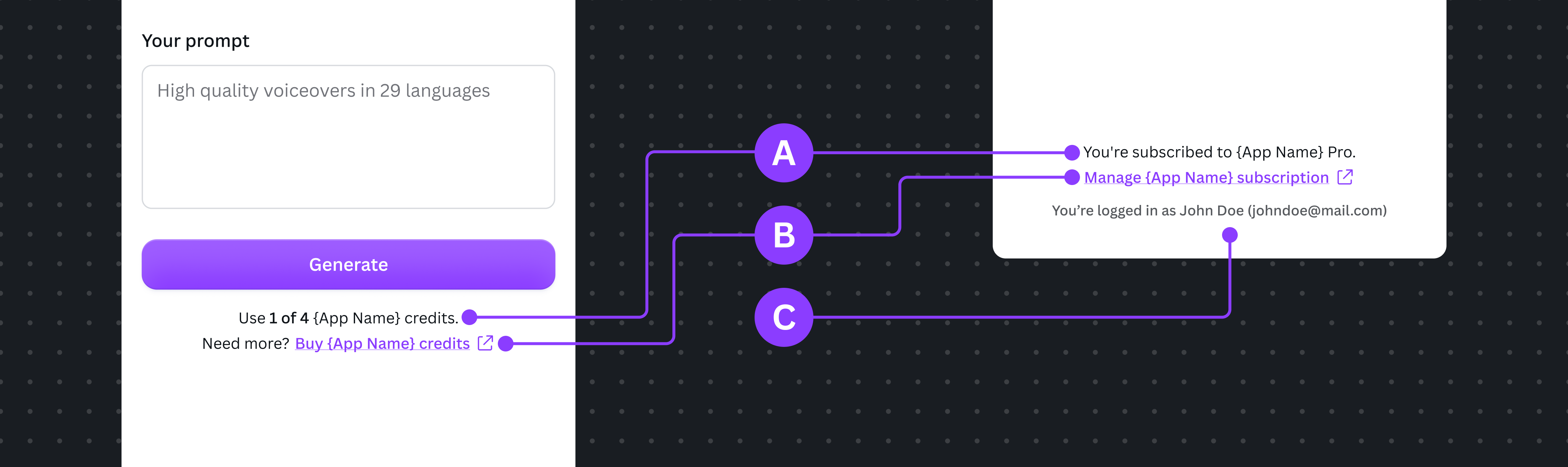
The pattern has three parts:
A Status communicates the user's current monetization status.
B Management action provides a clear pathway to manage or modify the current state.
C Account details (optional) provides additional context when billing or entitlement is tied to a specific account.
Ownership attribution
When displaying credits, subscriptions, plans, trials, or management details and actions, clearly attribute them to the app that owns and manages them. This helps users distinguish app-managed monetization from Canva subscriptions and billing.
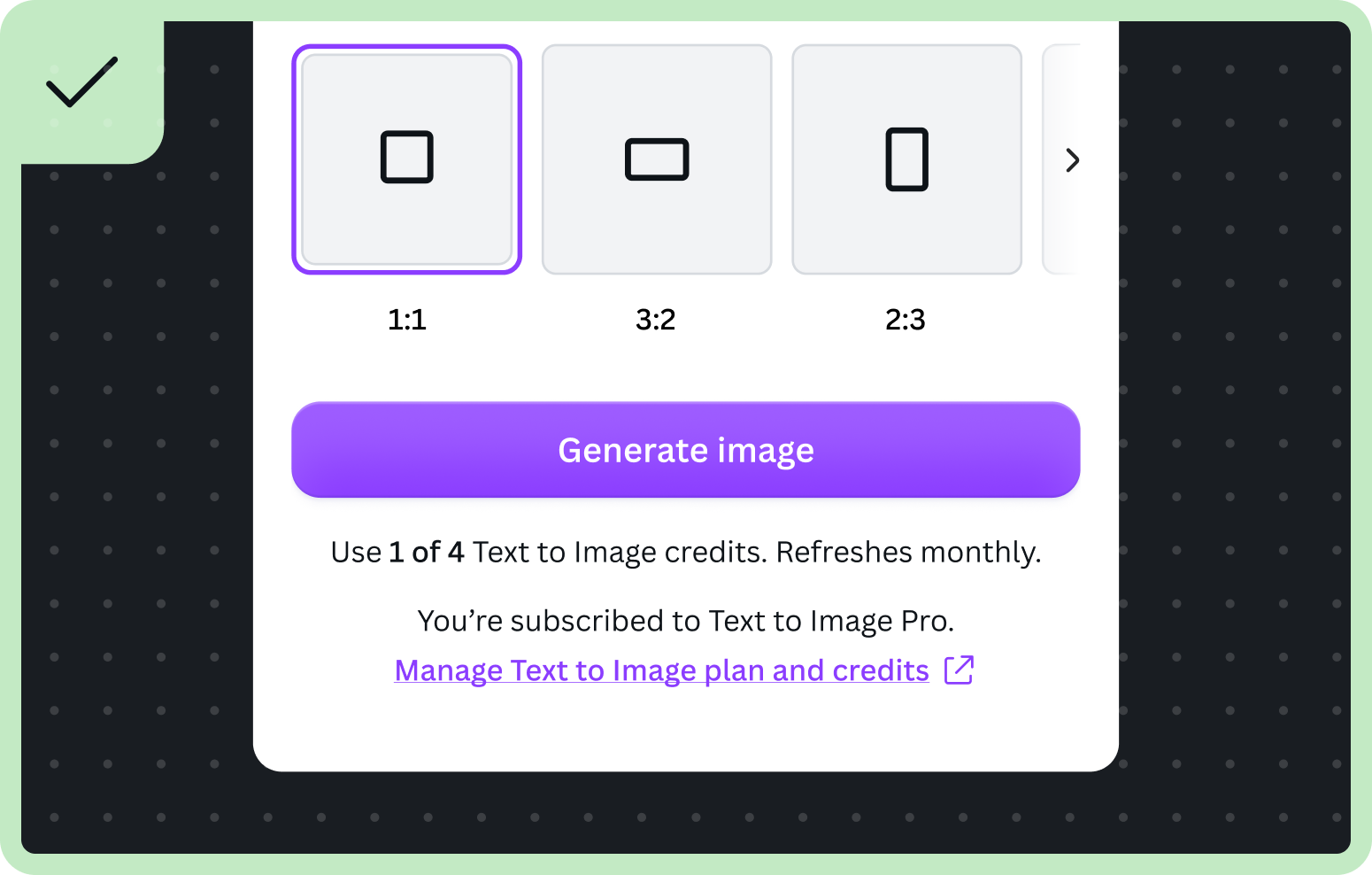
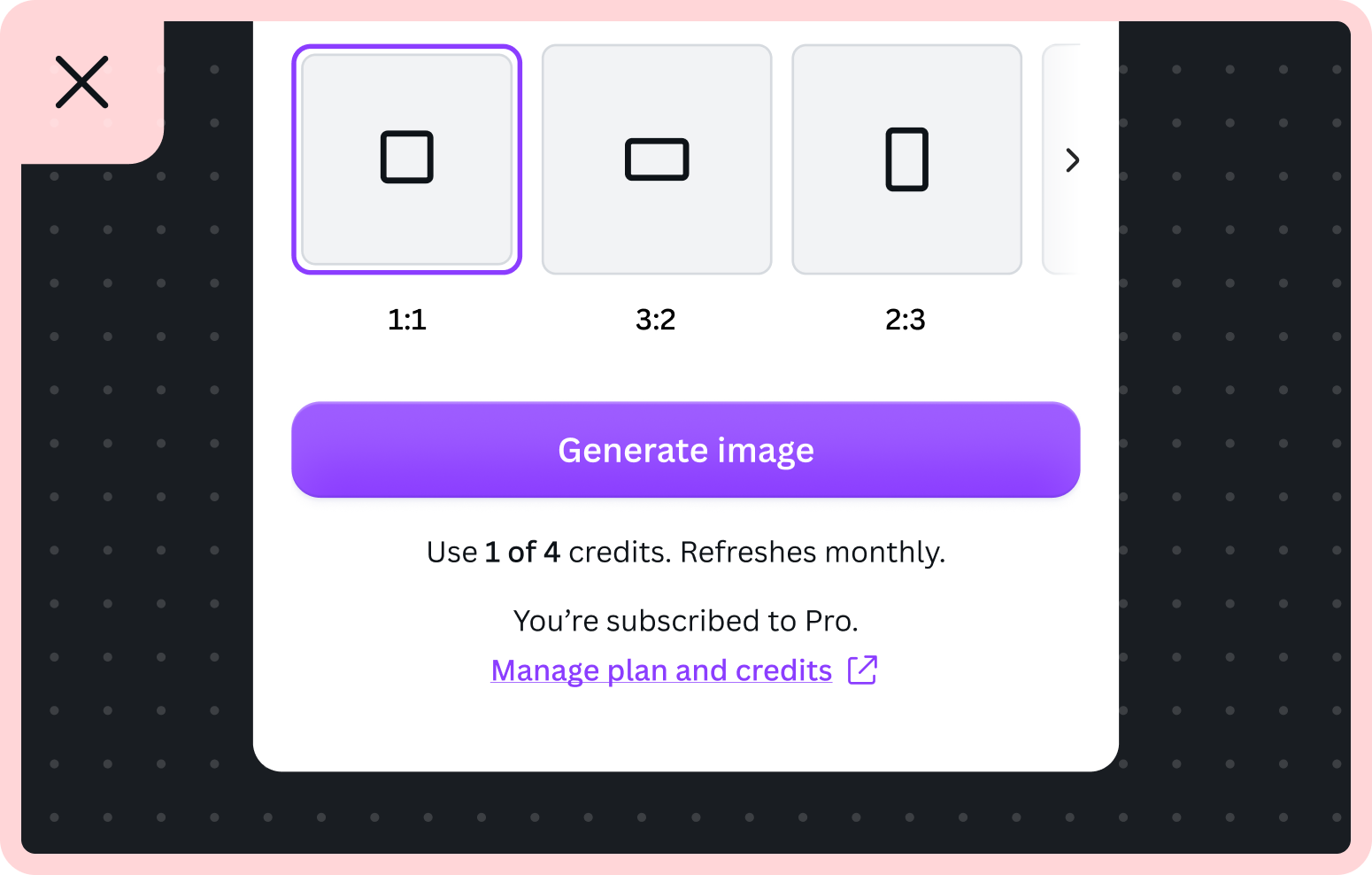
Do | Don't |
|---|---|
Buy App Name credits | Buy credits |
Manage App Name subscription | Manage subscription |
You're subscribed to App Name Pro | Upgrade to Pro |
Types of monetization models
Each monetization model has its own variant of the pattern. Use the variant that matches how your app charges users.
For implementation variants, see the Storybook(opens in a new tab or window).
If your variant displays dates, localize them for the user's locale and use a medium date format where possible, for example "Refreshes on Mar 1, 2024" or "Renews on Jun 18, 2026".
Credit-based
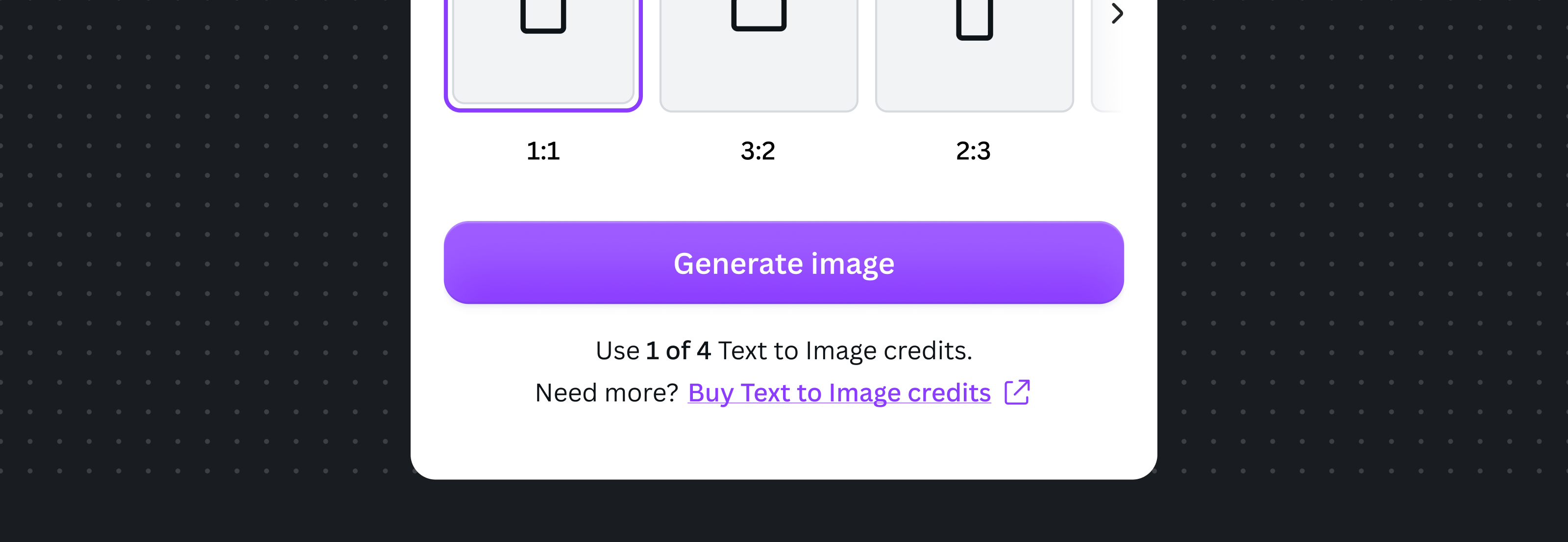
Use the credit-based variant when access is consumed through credits. The pattern should give users visibility into:
- How many credits an action will consume.
- How many credits they have remaining.
- App ownership and billing responsibility.
- Credit purchase or management pathways.
Subscription-based
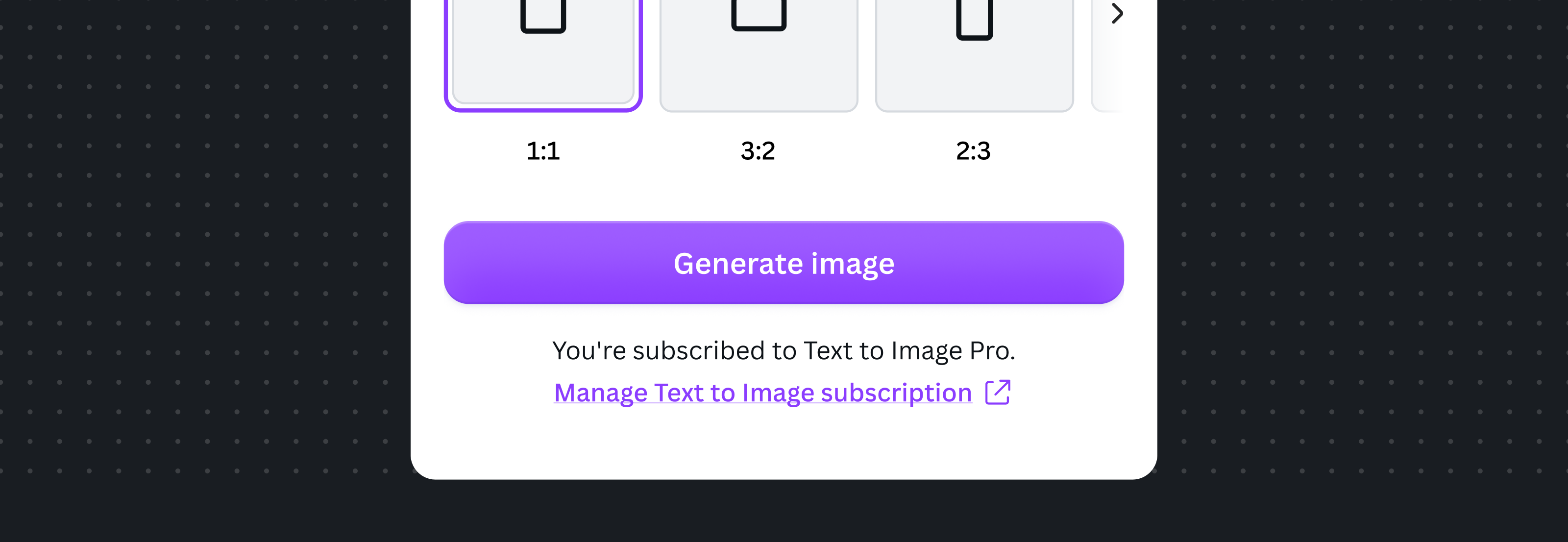
Use the subscription-based variant when access is controlled by a recurring plan. The pattern should give users visibility into:
- The current active subscription.
- App ownership and billing responsibility.
- The management pathway.
Subscription with credits
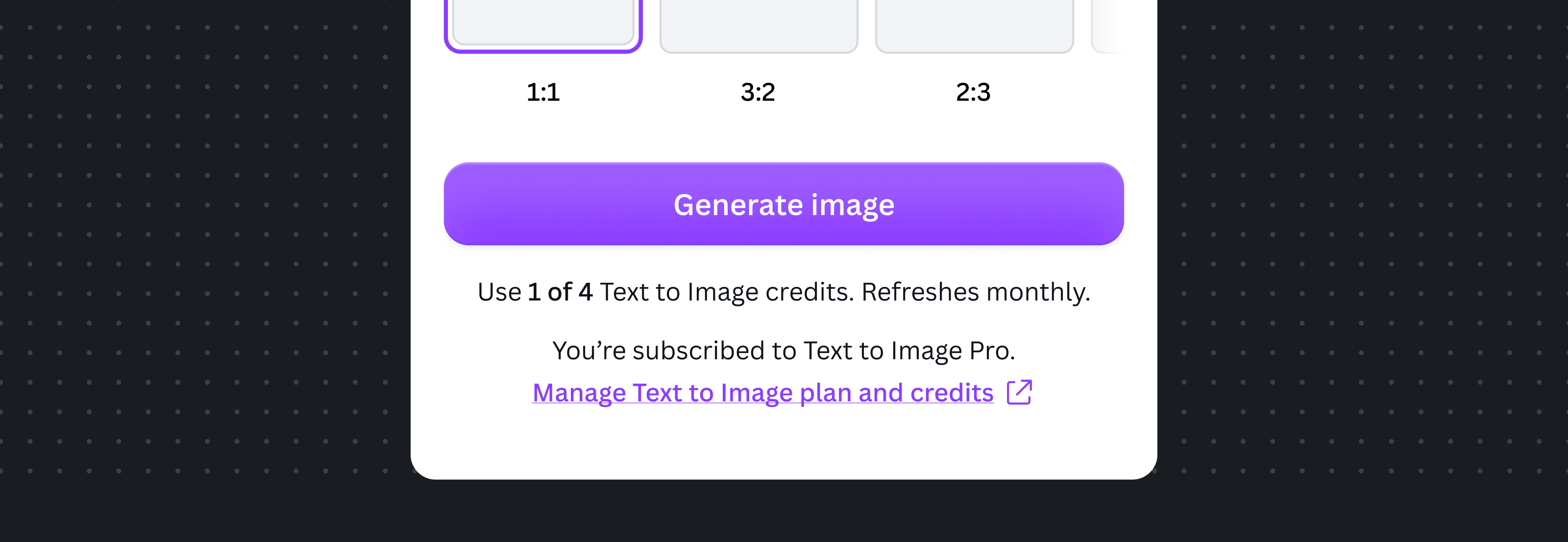
Use the hybrid variant when users have both a subscription plan and usage-based credits. The pattern should give users visibility into:
- How many credits an action will consume.
- How many credits they have remaining.
- The current active subscription.
- App ownership and billing responsibility.
- Credit purchase or management pathways.
Freemium
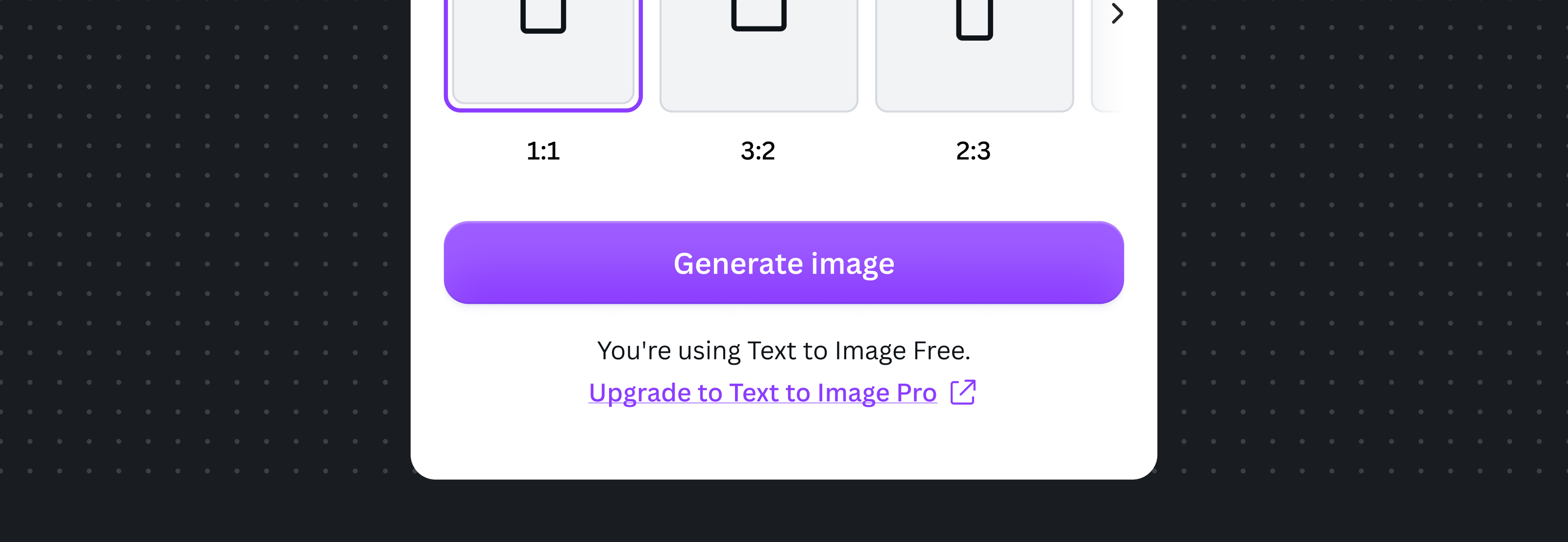
Use the freemium variant when users are on a free tier with upgrade opportunities. The pattern should give users visibility into:
- The current active plan.
- App ownership and billing responsibility.
- The upgrade pathway.
For one-off freemium payments (non-recurring purchases), provide a Manage {App Name} account link to the app's account management page.
Trial
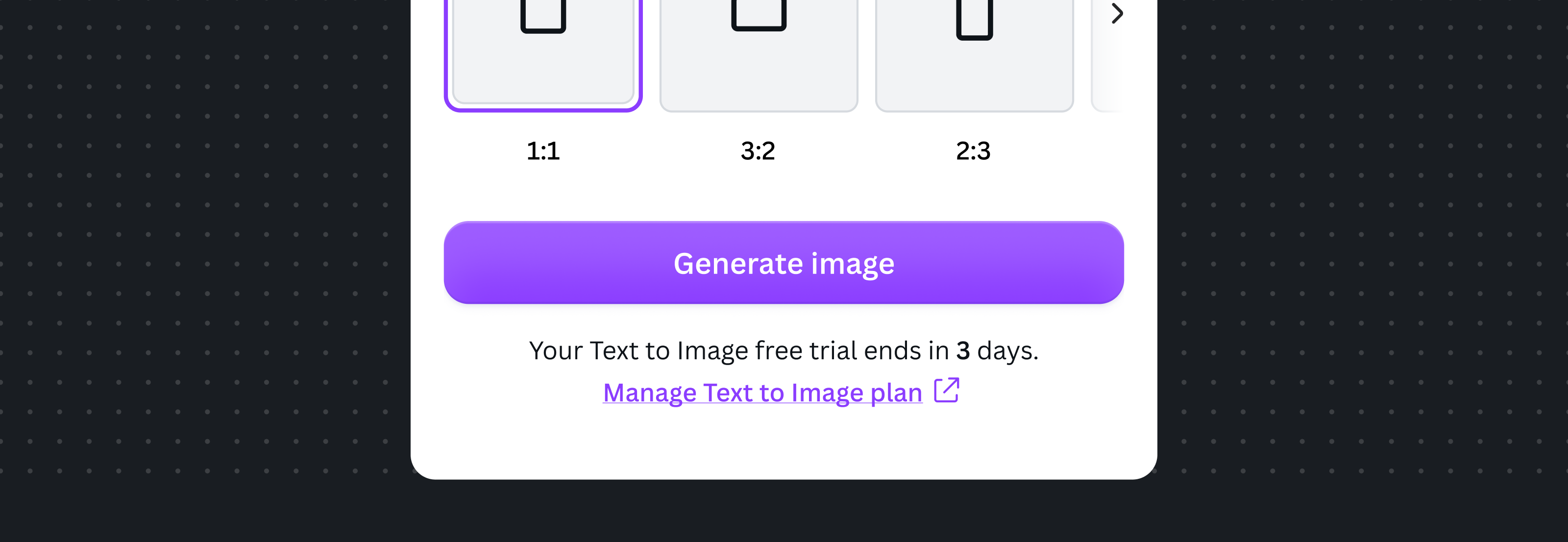
Use the trial variant when access is granted through a time-limited trial period, whether the trial expires at the end of the period, or automatically converts to a paid plan. The pattern should give users visibility into:
- Trial status and remaining time.
- App ownership and billing responsibility.
- The upgrade pathway.
Other monetization models
Not all monetization models are covered above. When introducing a new model, follow the core principles of clear ownership attribution, transparent monetization status, and accessible management pathways. As a rule of thumb, always attribute credits, plans, and subscriptions to the app that owns and manages them.
Handling access limitations
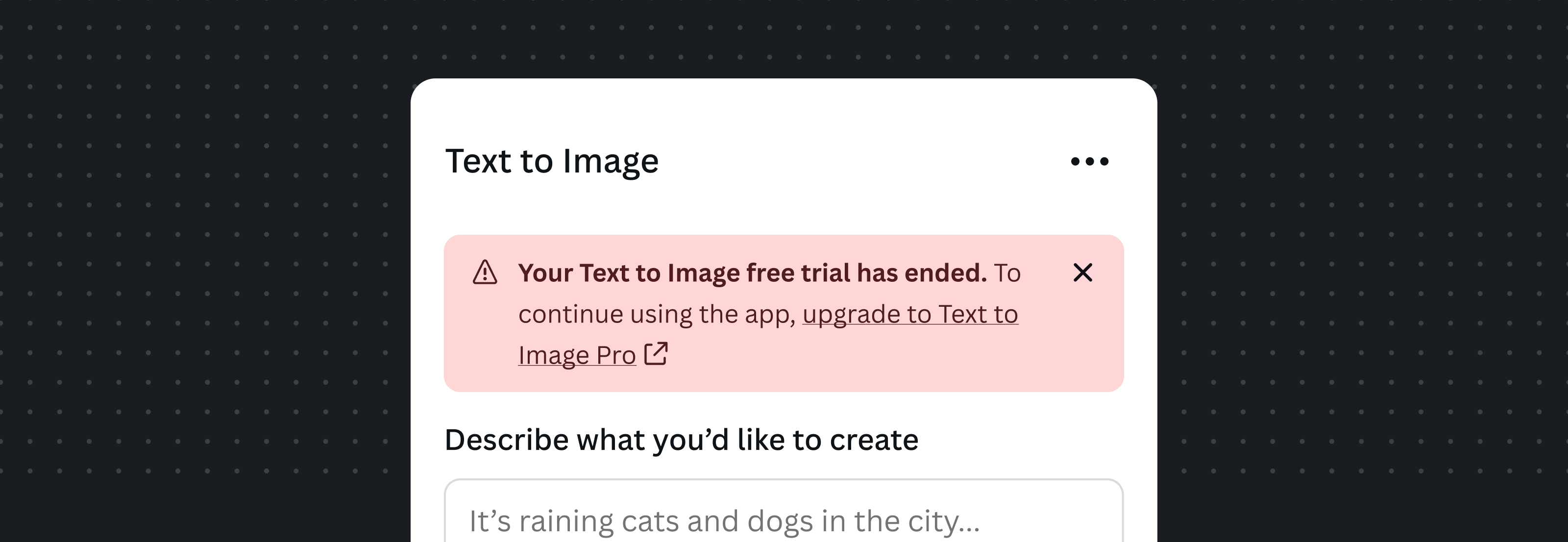
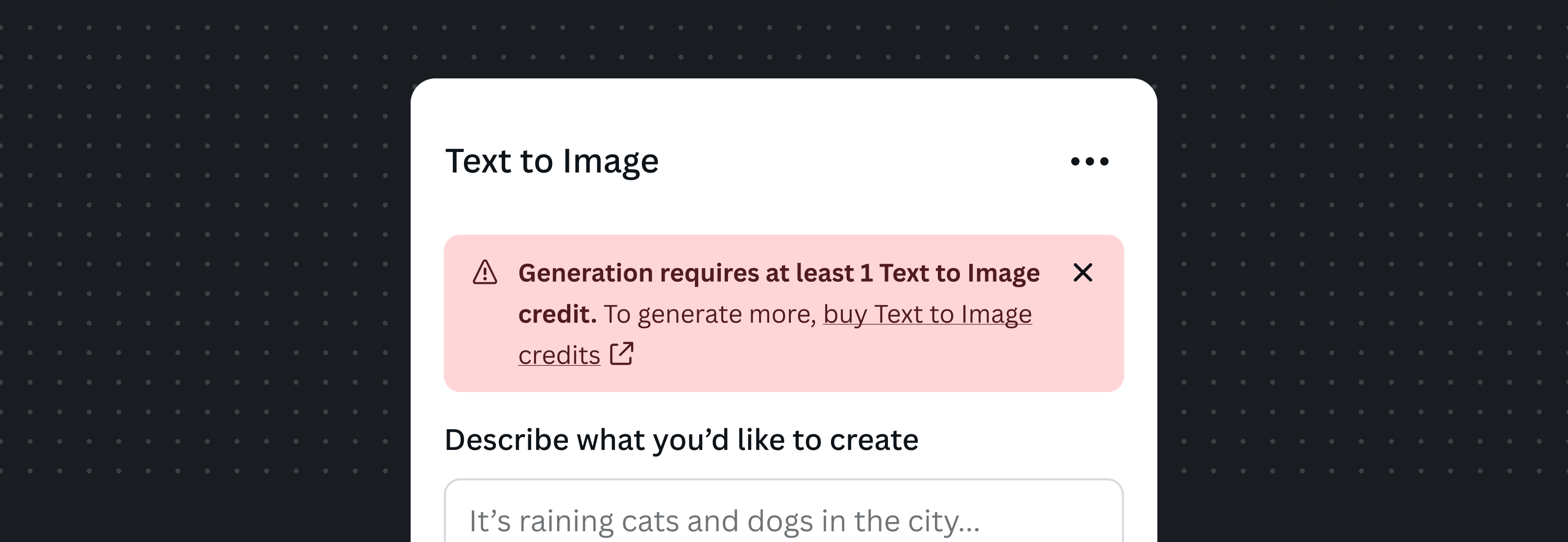
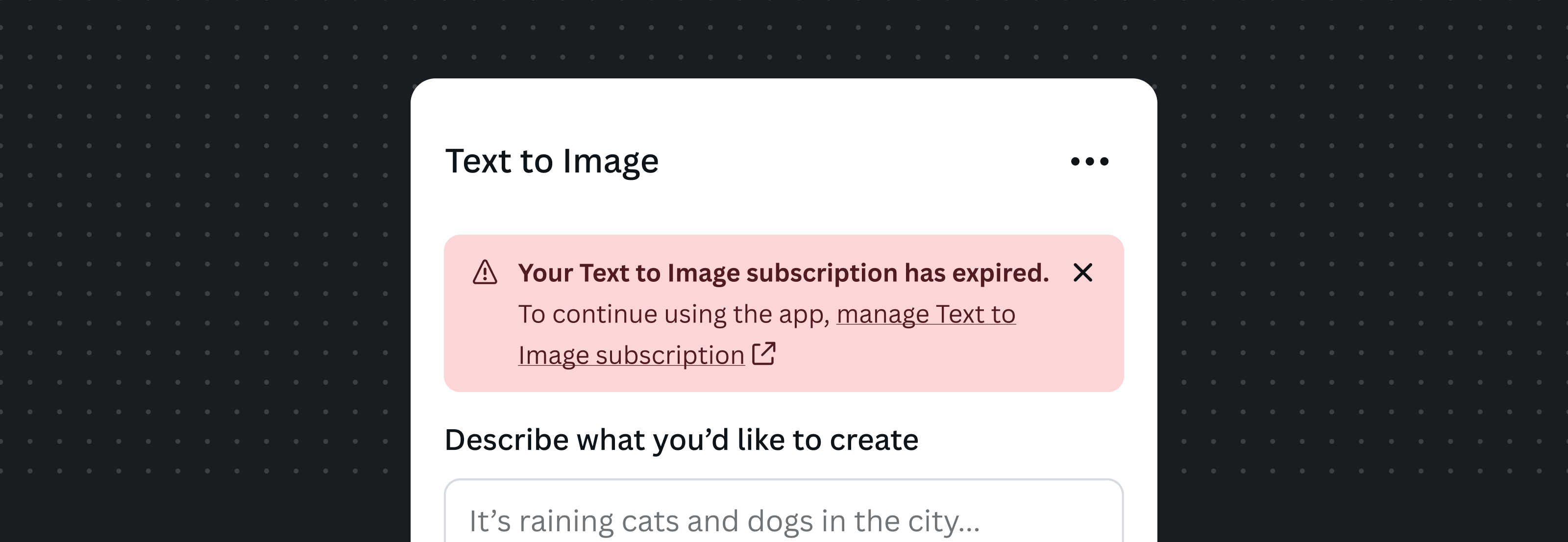
When a user attempts an action but can't proceed because of their current monetization status, display an appropriate Alert(opens in a new tab or window) component using the critical tone. This may include situations such as:
- No credits remaining.
- An expired subscription.
- An expired trial.
- Any other state that prevents access to a paid feature.
The alert should clearly communicate why the action can't be completed and provide a clear pathway to resolve the issue, such as purchasing credits, managing a subscription, or upgrading a plan.
As with all monetization-related UI, continue to apply the Ownership attribution principle when referencing credits, subscriptions, plans, trials, or management actions within alerts.
No credits remaining
Expired subscription
Expired trial