Data Connector intent
Apps using the Data Connector intent are only available to users on the following Canva plans: Canva Business, Canva Enterprise, Canva for Education, and Canva for Nonprofits.
When the Data Connector intent is added to an existing app, users on the Canva Free plan with existing installations will be grandfathered. These users will retain full access after the restriction is applied to new installs, unless otherwise advised by Canva.
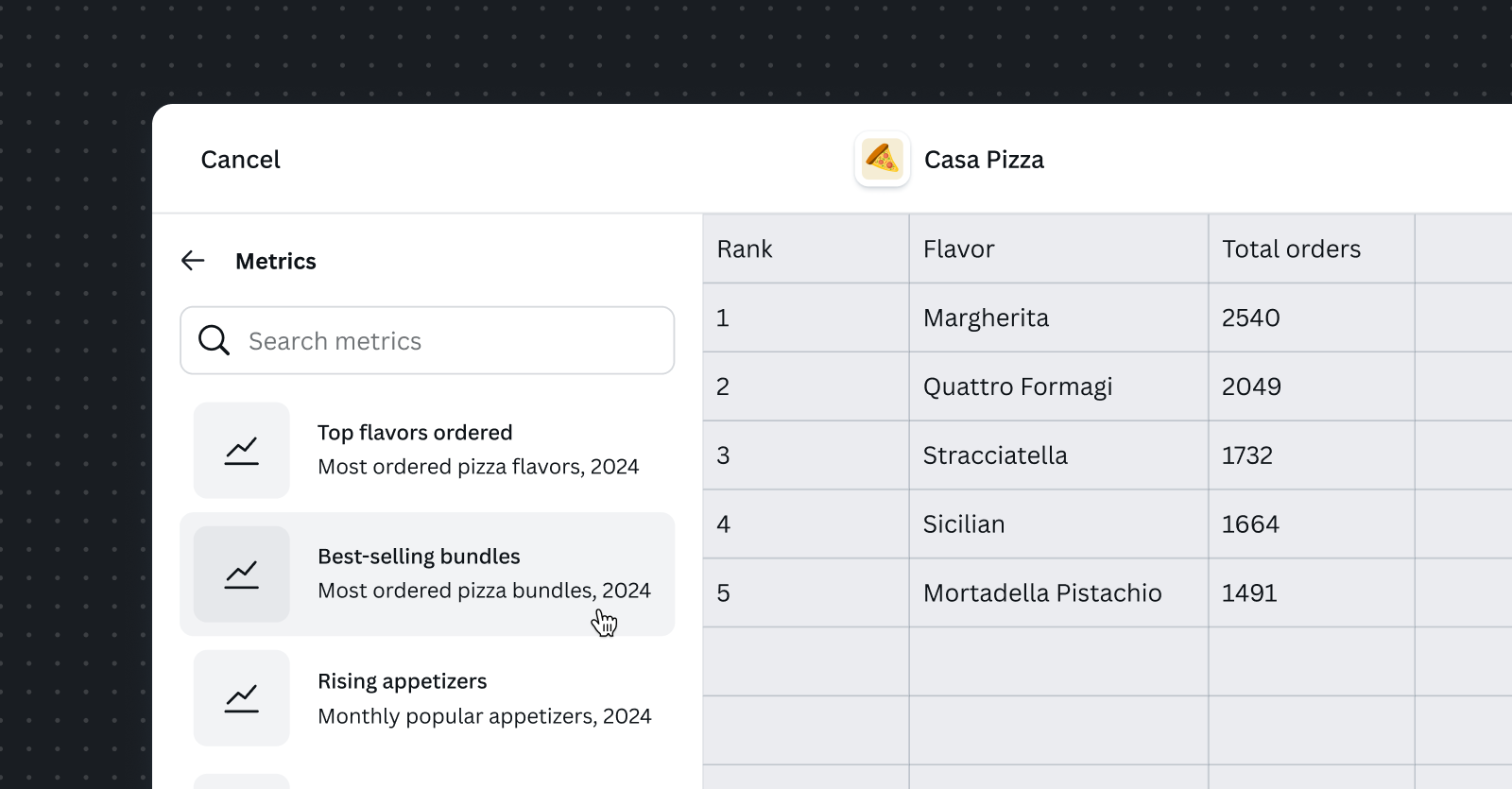
Data Connector is a type of intent that enables users to import data from external sources into Canva.
When users want to include data in their designs, they can browse available data sources, choose what specific data they need (like applying filters or selecting date ranges), and then import it. The data remains linked to its source, so users can refresh it later to get updated information without having to manually re-import everything.
Implementing this intent requires you to integrate Canva with your external data sources and their APIs.
Building with the Data Connector intent offers significant advantages:
- Easy setup: Canva handles the complex parts, such as data table rendering, refresh mechanisms, size limit enforcement, and error handling workflows.
- App discovery: Your app is discoverable by users contextually within Canva, increasing engagement and usage with your platform.
- Built for scale: Integrate across Canva surfaces. Whether users access Canva from desktop, mobile, or future surfaces, your app will have a seamless user experience.
- Focus on what matters: Spend your time building data source integrations and filtering capabilities, not wrestling with Canva integration mechanics.
App requirements
- You must use App UI Kit components.
- This intent requires you to implement external data source APIs and data fetching logic.
- Your app might need a backend to handle authentication for third-party platforms.
APIs this intent uses
Required permissions
- Design read (
canva:design:content:read) - Design write (
canva:design:content:write)
Next steps
- Have a look at the Data Connector intent example app for inspiration.
- For instructions on implementing this intent, follow the Data Connector intent implementation guide.
- Make sure that you adhere to the Data Connector intent design guidelines when using this intent.