Build custom solutions
Use our Apps SDK and Connect APIs to build apps that supercharge business workflows.
Explore our demo apps
Use these reference apps to see what’s possible. Clone the repo and get building right away.

Connect your DAM
Want to import your design assets into Canva? Create a bespoke Digital Asset Management app for your business.
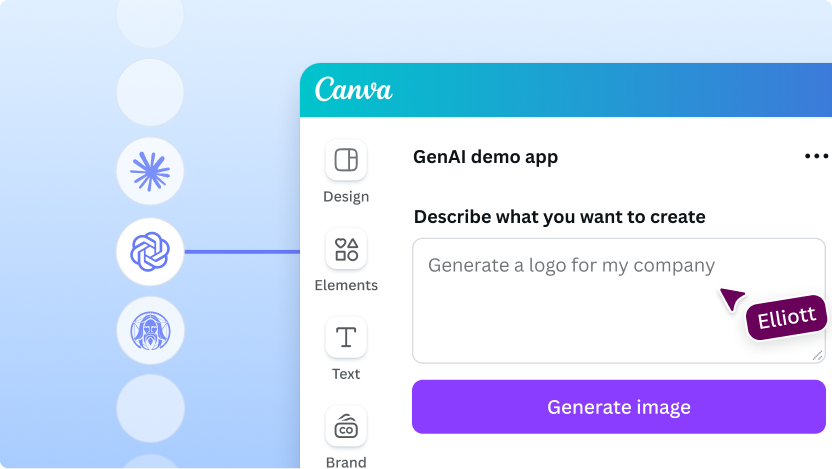
Create a generative AI app
Set up the UI for a generative app in Canva, to connect to your favorite LLM.
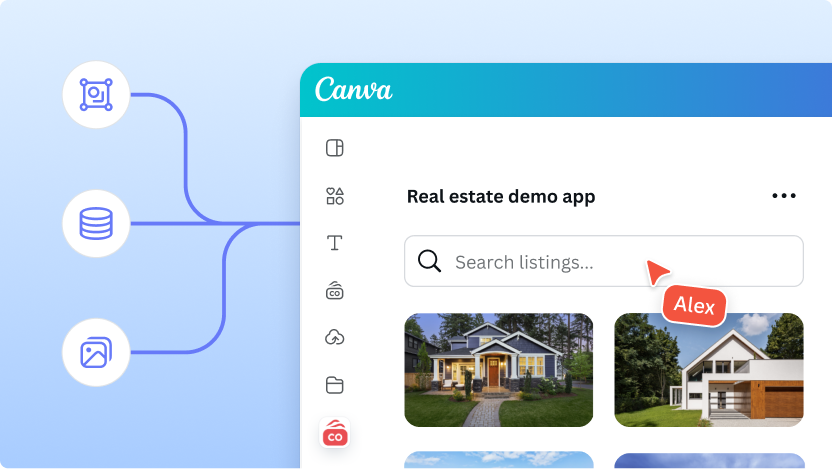
Access MLS data
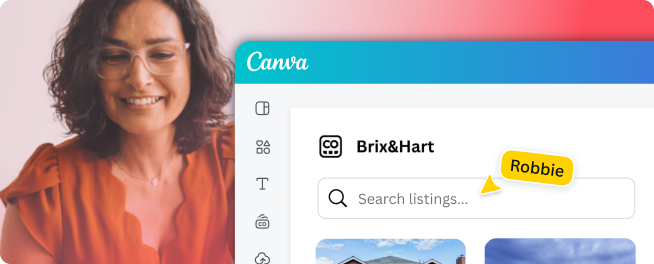
Access Multiple Listing Service data inside of Canva and automatically populate your designs.
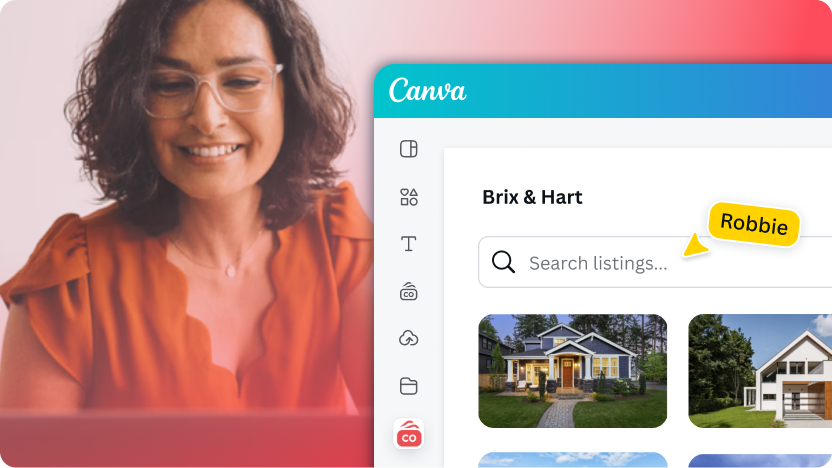
Automate your real estate workflows
Learn how to connect your real estate platform to Canva and automate property marketing workflows.
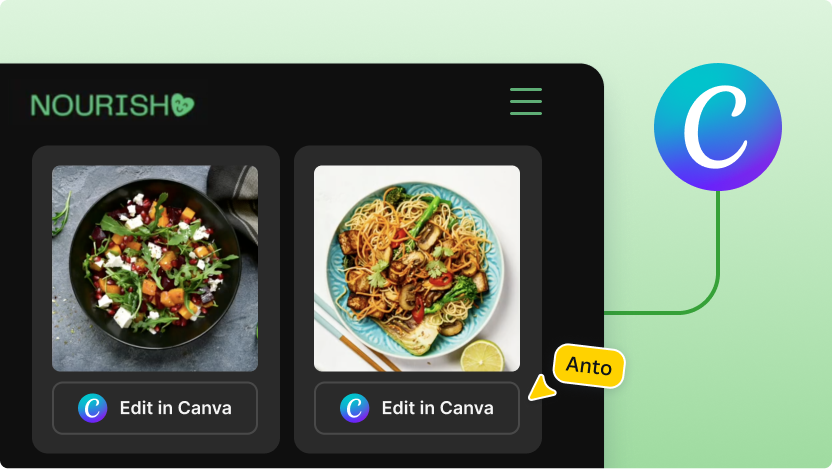
Sync platforms
Seamlessly integrate your platform with Canva so assets and designs stay in sync.
Explore by industry
From bespoke apps to automation, find solutions that supercharge your workflows.
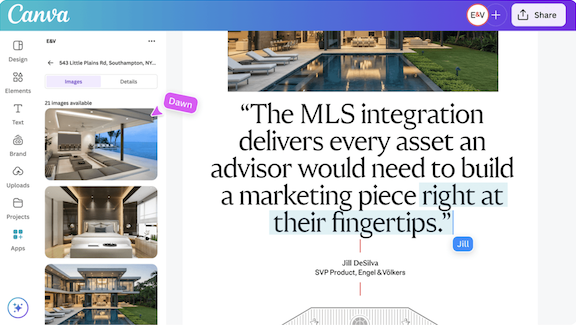
Engel & Völkers boosts speed to market with MLS automation
Inconsistent branding, manual listing workflows, and slow approval cycles created delays across global teams in 900+ locations, making it difficult for advisors to launch marketing campaigns on time.
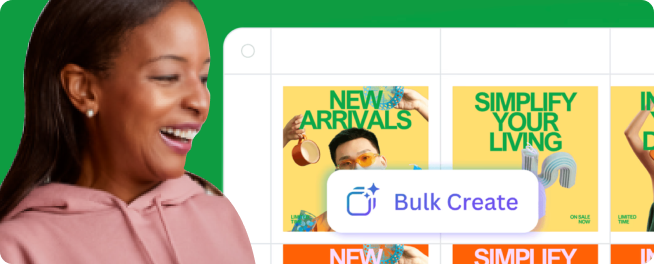
Private app E&V Assets automatically imports listing visuals and data into Brand Templates, eliminating downloading, email approvals, and manual entry
Property campaigns delivered in two hours instead of a week
Over 20 minutes saved per listing with design automation
Brand compliance across global teams in 30+ countries
Frequently asked questions
Build apps that work inside Canva with the Canva Apps SDK. They bring your data, content, or workflows directly into the Canva editor. Or, build apps that integrate Canva into your own tools or platforms with the Canva Connect APIs. Send finished Canva designs into your existing systems, power data-driven templates, automate repetitive design tasks, or synchronize content between Canva and your internal tools. If your system exposes an API or manages structured content, it can usually be connected to Canva.
Explore the Apps Marketplace(opens in a new tab or window) to see what's already available to people using Canva.
Yes, apps can be launched privately within your organization and made available only to users inside your Canva team or workspace. Private apps don't appear in the Canva Apps Marketplace(opens in a new tab or window).
Simpler workflow automations can be built without engineers using tools like Zapier, Make.com, n8n, or Workato. Examples include straightforward actions, such as sending designs to another platform or triggering updates when a design is published.
You'll typically involve your engineering team to build advanced or highly customized apps, such as those with authentication or specialized data flows.
It depends on your team's technical comfort. Many organizations start with a low or no-code automation tool like Zapier, Workato, N8N, or our Make.com modules(opens in a new tab or window), which embed your existing systems into Canva with minimal setup using the Connect APIs. If instead you are interested in building an app inside the Canva editor, you can browse our list of Reference Apps which come complete with build guides and interactive demos at the top of this page.
Only the data your app chooses to send to Canva will ever reach Canva. Data is transmitted using industry-standard encryption, and Canva doesn't store or retain sensitive information unless your app explicitly writes it into the platform. Your backend remains the source of truth for access control, and all permissions continue to be enforced by your systems.
Your team manages the underlying code and backend, and Canva provides stable APIs, documentation, and advance notice of any breaking changes. Starting from Canva's approved patterns and templates reduces the cost of updates and helps ensure ongoing compatibility as the platform evolves.
There are no separate charges for using Canva's developer platform. Your primary investment is engineering time and backend hosting if required.
Some organizations opt for low-code tools to keep costs low, while others choose more in-depth engineering for highly customized workflows. The scale of the solution and ongoing maintenance needs determine the overall cost profile.
We’re here to help
Chat with our friendly sales team about the possibilities for your custom build.