Extend Canva for real estate
Automate your real estate workflows
Connect Canva with your go-to tools – like Slack, Microsoft Teams, and more – to streamline workflows and boost productivity. Customize our reference app to fit your business needs.
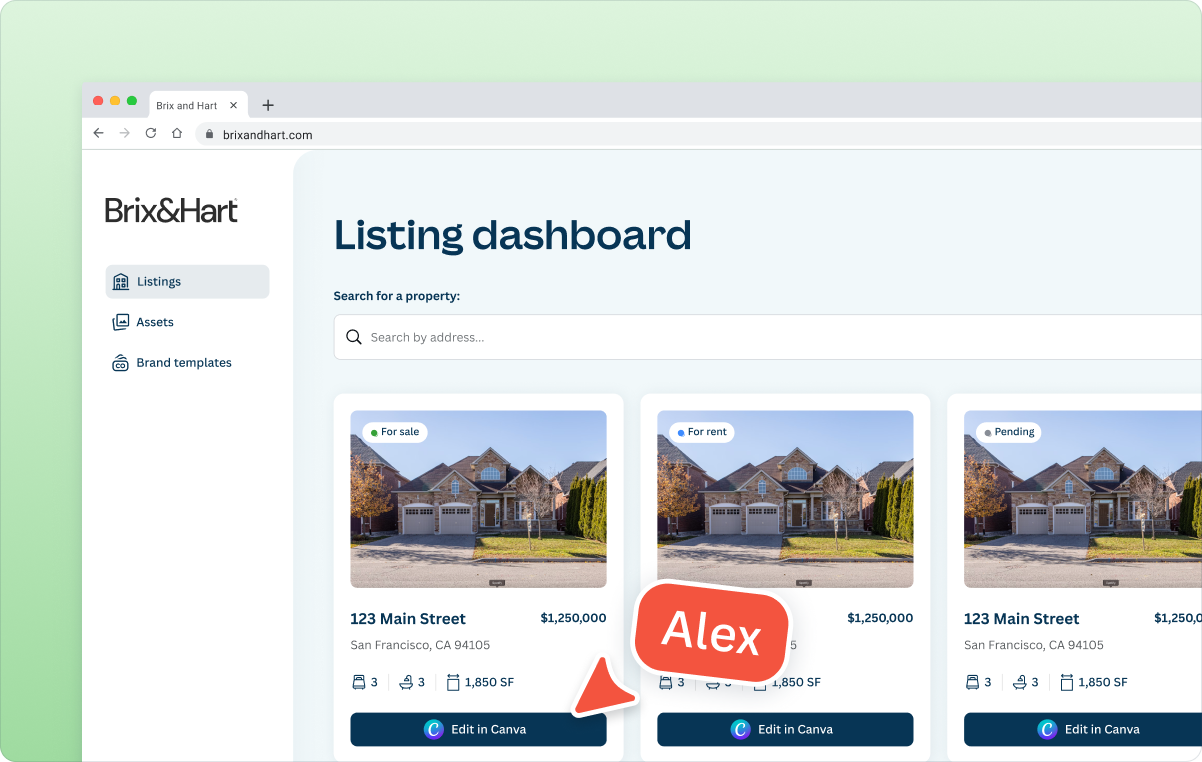
Integrate Canva where you need it
- Connect Canva to your CRM or Listings tools and platforms
- Autofill listing materials, generate designs, and edit content
- Automatically sync Canva designs to your tools
No-build solutions
Supercharge your real estate business now - no building required
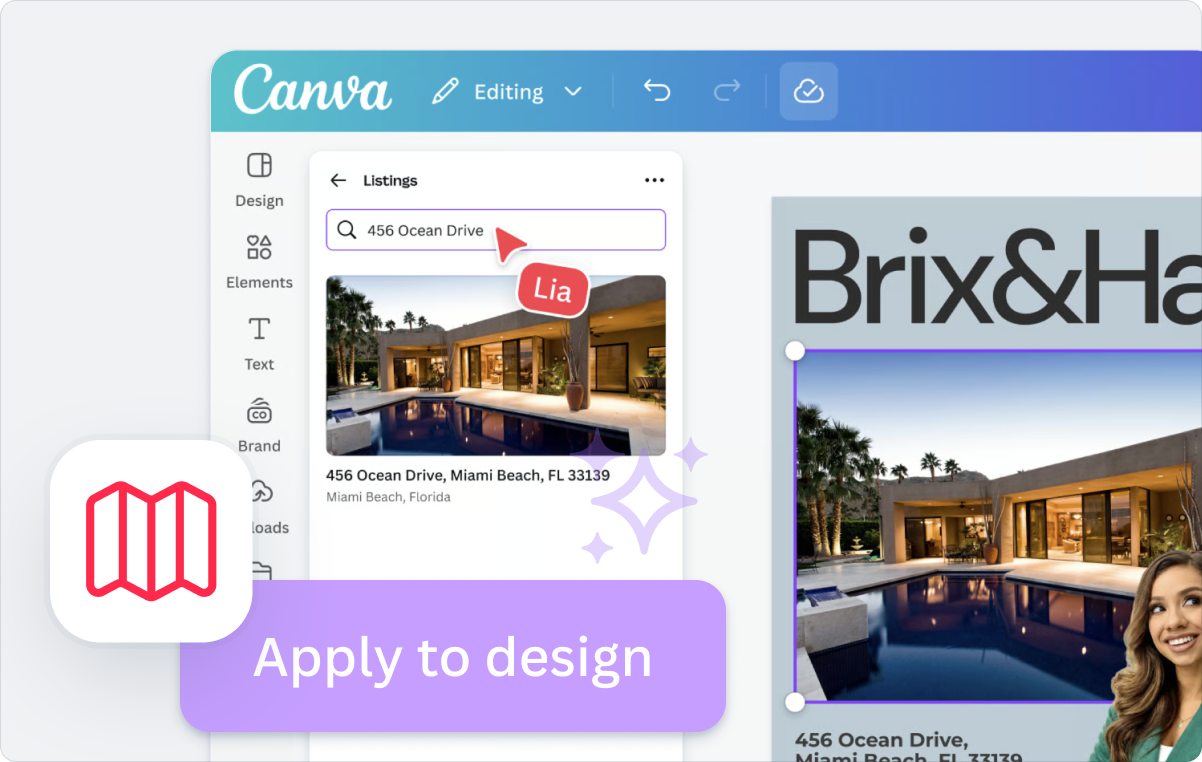
Explore our native enterprise solution
- Use our native Listings app to autofill brand templates in one click
- Empower your team to create polished, on-brand content in minutes
- Deliver personalised marketing at scale with data driven content
Discover apps in the Canva Marketplace that support real estate workflows today


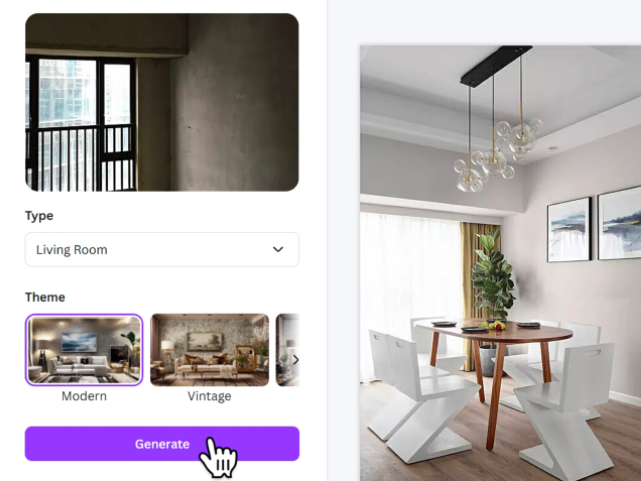







Need a custom solution for your enterprise?
Use this reference app as a starting point to customise and extend Canva for your unique workflows.
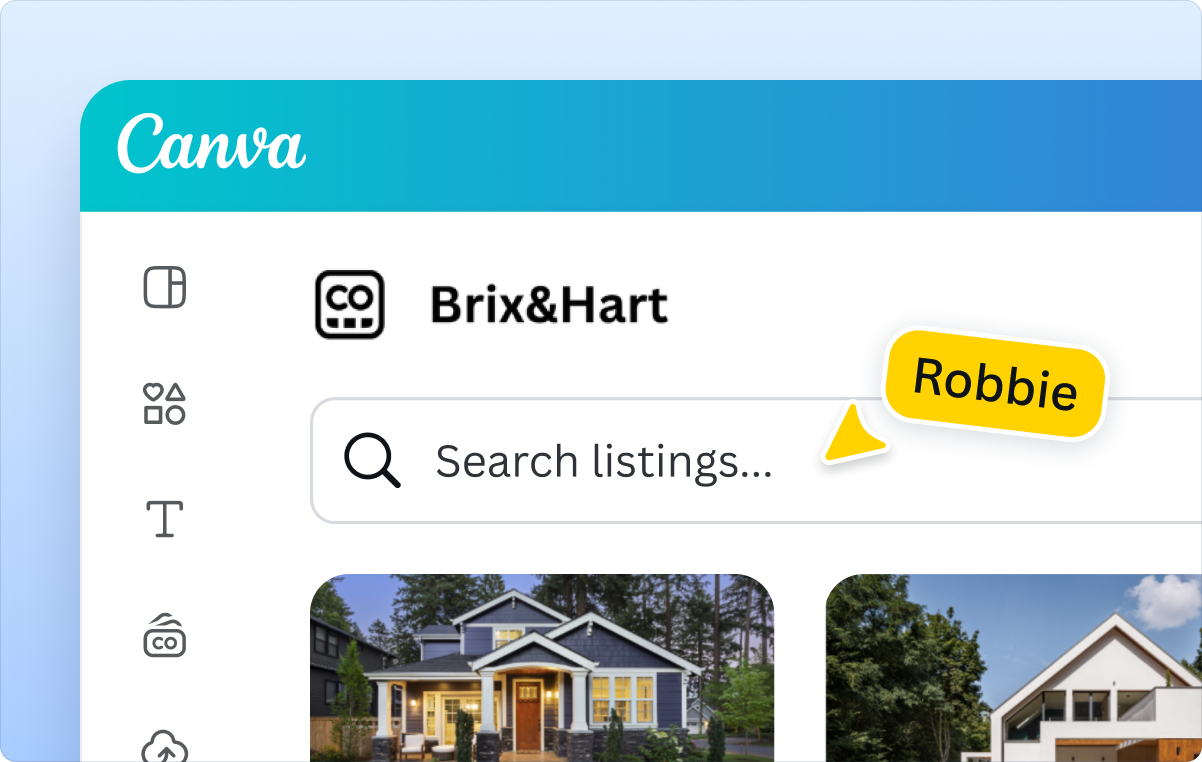
Your data, directly in Canva
- Access your data inside of Canva
- Drag and drop into your Brand Templates
- Agent and business details at your fingertips
Ray White eyes $200k savings from design automation
Inconsistent branding and slow, repetitive marketing production burdened designers and agents across offices in Australia, Asia, and New Zealand.
A custom DAM app enabled direct access to listing details and company data right from Canva, saving agents 16.5 hours weekly
The Connect APIs power the instant autofilling of Brand Templates, including pre-approved auction reports, creating a 15% reduction in design time and US $200k savings projected over two years
All the support you need
Get in touch or join our developer community.
Get instant answers while you build
Ask questions right in our developer documentation through the AI chat.
Learn from fellow builders
Join the conversation on our developer community and share what you’re working on.
Dive into the docs
Want to start building? Access the Quickstart guide or learn about our APIs.
Frequently asked questions
Common examples include building an app inside the Canva editor that allows agents to pull in listing details, images, or market insights directly from your MLS or internal systems.
When integrating Canva into your own platform or system, you can autofill templates with property information, share approved brand assets or templates with your teams, or automate repetitive tasks like generating regional variations or weekly reports.
It depends on your team's technical comfort. Many organizations start with a low or no-code automation tool like Zapier, Workato, N8N, or our Make.com modules(opens in a new tab or window), which embed your existing systems into Canva with minimal setup using the Connect APIs.
If you want a hands-on preview inside the Canva editor, you can clone the MLS reference app or use the real estate app template from the Canva CLI. These come with a working UI, mock data, and clear TODOs for wiring in your backend, so you can get a proof of concept running in a few minutes.
Canva already provides strong brand consistency guardrails through Brand Kits, locked Brand Templates, approved fonts, and organization-level permissions. Any app you build will automatically inherit these controls.
Yes, a common approach is to use the Canva Connect APIs' Autofill capabilities to generate on-brand designs automatically. For example, Canva for Salesforce(opens in a new tab or window) leverages Autofill to pull in CRM data and create fully branded assets in a single click. Apply the same pattern to real estate workflows by populating designs with agent details, property information, or regional variations without extra steps and manual editing.
Contact our Sales team(opens in a new tab or window) to learn more about how Canva can support your organization's goals. If your question is related to developer support, please lodge a Technical support request here(opens in a new tab or window). If you'd like to experiment with a proof of concept, you can also explore our existing build guides, which include examples for MLS apps that work inside the Canva editor or integrated with other platforms, tools, or workflows.
We’re here to help
Chat with our friendly sales team about your custom build.