Editable design built into your AI stack
Canva MCP, your AI’s
creative layer
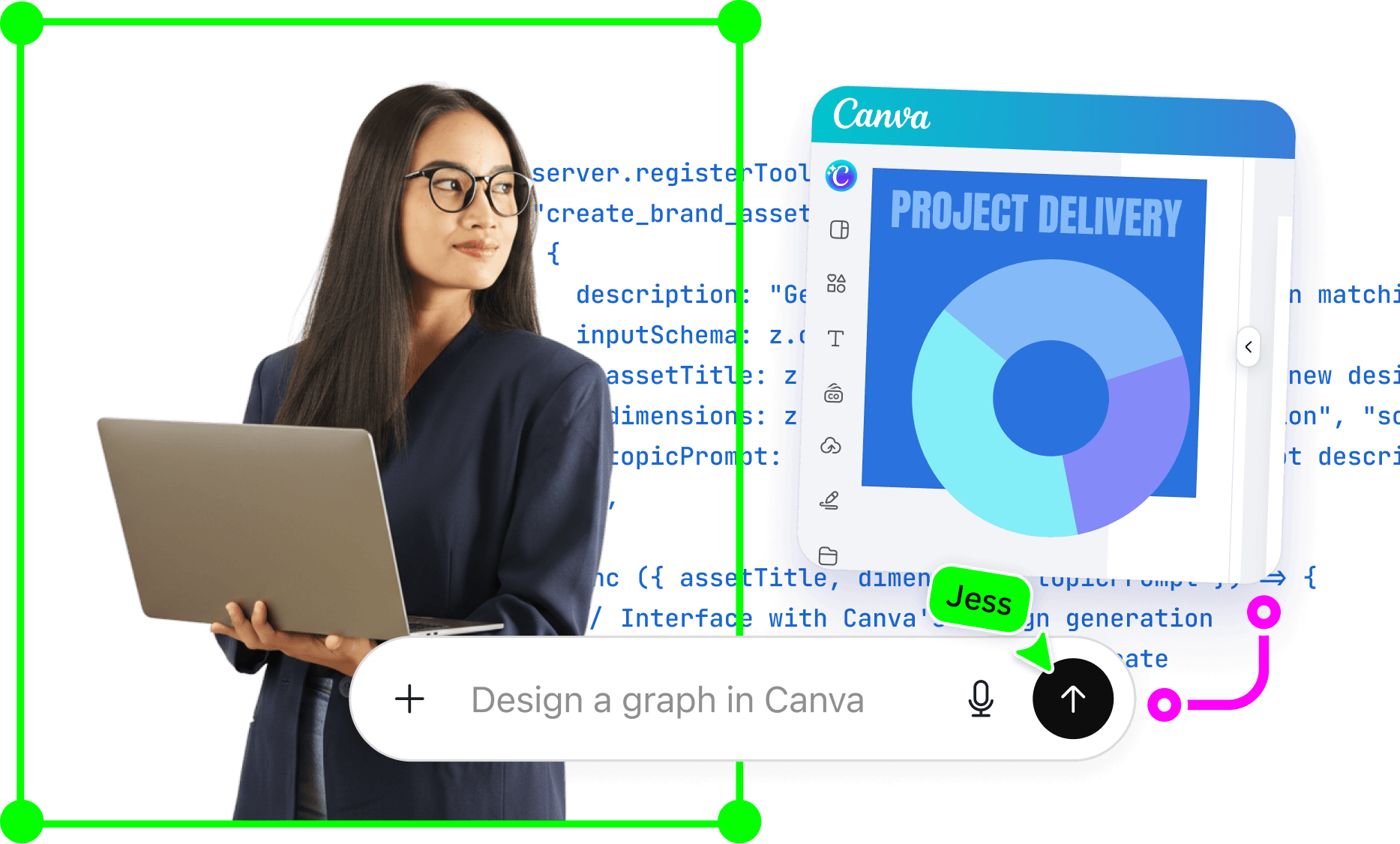
Give your AI a creative partner. With Canva MCP, your AI goes from prompt to finished design: presentations, social posts, visuals generated from your data, full campaigns. On-brand, in-context, and fully editable – ready to ship from the chat or refine further in Canva. One MCP connection, and your AI agent can create it all.
Plug in anywhere, trusted everywhere
Canva MCP works with any MCP client, from AI assistants and coding tools to enterprise platforms and your own custom agents. Built on infrastructure trusted by 95% of the Fortune 500, with secure access, brand governance, and asset management.
Atlassian Rovo

Snowflake Intelligence Platform

Perplexity Computer

Lovable
One tool. Any format. What if your AI could do it all?
See what’s possible with Canva MCP
Give your AI agent the design power to create and refine anything across words, data, visuals, and interactive experiences – all inside your AI stack, from prompt to publish or present. It's Canva, wherever you need it.
Your AI knows your user’s brand identity – and creates with it
Canva MCP automatically uses existing Brand Kits and Brand Templates, no need to build brand logic from scratch. Every presentation your AI agent generates is always on-brand, fully editable, and ready to share. Works for sales decks, internal updates, and client proposals.
From waitlist to workflow
Make your Canva MCP waitlist experience seamless
Canva MCP easily plugs into your AI stack without any custom development. Here’s how to set yourself up for a successful application from the moment you join our waitlist.
1: Review our usage policy
See if your AI adheres to our guidelines, from purpose to security.
2: Think about your use cases
Outline end-to-end user journeys and specify how your integration leads people into Canva.
3: Prep your redirect URIs for every environment
Know your redirect URIs across all your environments before you apply.
4: Check your email regularly
You'll hear from us if it's a good fit, or if we'll need more information.
Your connector might already be here
Did you know Canva already connects to top AI agents and assistants? You might not need to sign up for our waitlist(opens in a new tab or window). Check your AI's settings, or browse what's already available.
Frequently asked questions
Canva MCP is a Model Context Protocol server that connects AI agents and assistants to Canva's full visual communication platform.
Canva MCP uses the open Model Context Protocol standard to expose Canva's design capabilities as tools your AI agent can call. Simply connect, configure, and your agent can start creating. Read the complete developer documentation to learn more.
Canva MCP is compatible with any MCP-supported AI assistant or framework, including Claude, ChatGPT, Google Gemini, and more. Check top AI tools already connected to Canva(opens in a new tab or window). Join the waitlist(opens in a new tab or window) if your AI tool isn't part of the pre-built options.
Yes, Canva MCP is built on infrastructure trusted by the world's top companies. Its access controls, brand governance, and asset management ensure every workflow stays secure and on-brand.
Setting up Canva MCP requires no custom development. Simply install the MCP server, configure your connection, and authenticate – your AI agent will be ready to design in minutes. Read the full setup guide to know more about access and permissions.
Yes, Canva MCP supports bulk asset generation powered by Autofill and Brand Kits.
Yes, Canva MCP lets your AI agents query your Canva workspace directly. Surface past designs, extract messaging themes, and turn your content history into actionable context.
Canva MCP is designed as infrastructure, not a standalone tool. Its design actions are built to chain together, making it easy to add design as a native step in any agentic pipeline or automated workflow.
Be a good human when integrating Canva MCP into your agent or assistant:
- Represent Canva accurately – don't imply endorsement or certification.
- Don't bulk download users' assets or designs.
- Don't train on users' data.
- Keep each user on their own account and permissions.
- Don't hide credit usage or work around rate limits.
Read our usage policy to check our complete guidelines.
Not necessarily. Canva already connects to top AI agents or assistants, which means you can start using Canva's design capabilities inside your AI tool without signing up for the waitlist at all. Check your AI assistant's settings, or browse our existing connectors(opens in a new tab or window) to see if yours is already supported. If it's not, join the waitlist(opens in a new tab or window) and we'll get you set up.
Unlike generic AI image generators, Canva MCP produces fully editable, layered designs with Brand Kits and templates built-in. It helps you combine creativity with productivity, ensuring every output is on-brand, in-context, and ready to refine or ship – wherever and whenever you need it.